What is Ultra HDR?
If you've ever seen a photo on an iPhone or Pixel phone that seems to glow — brighter whites, more vivid colors, almost like looking through a window — you've seen HDR in action.
HDR vs SDR: The Basics
Standard Dynamic Range (SDR) images are limited to a fixed brightness range. No matter how bright a sunset is in real life, an SDR image can only show it within the screen's standard brightness.
High Dynamic Range (HDR) breaks this limit. On HDR-capable screens, bright areas can actually push beyond the normal maximum brightness, creating highlights that genuinely shine. Think of sunlight glinting off water, neon signs at night, or fire — HDR makes these elements pop in a way SDR physically cannot.
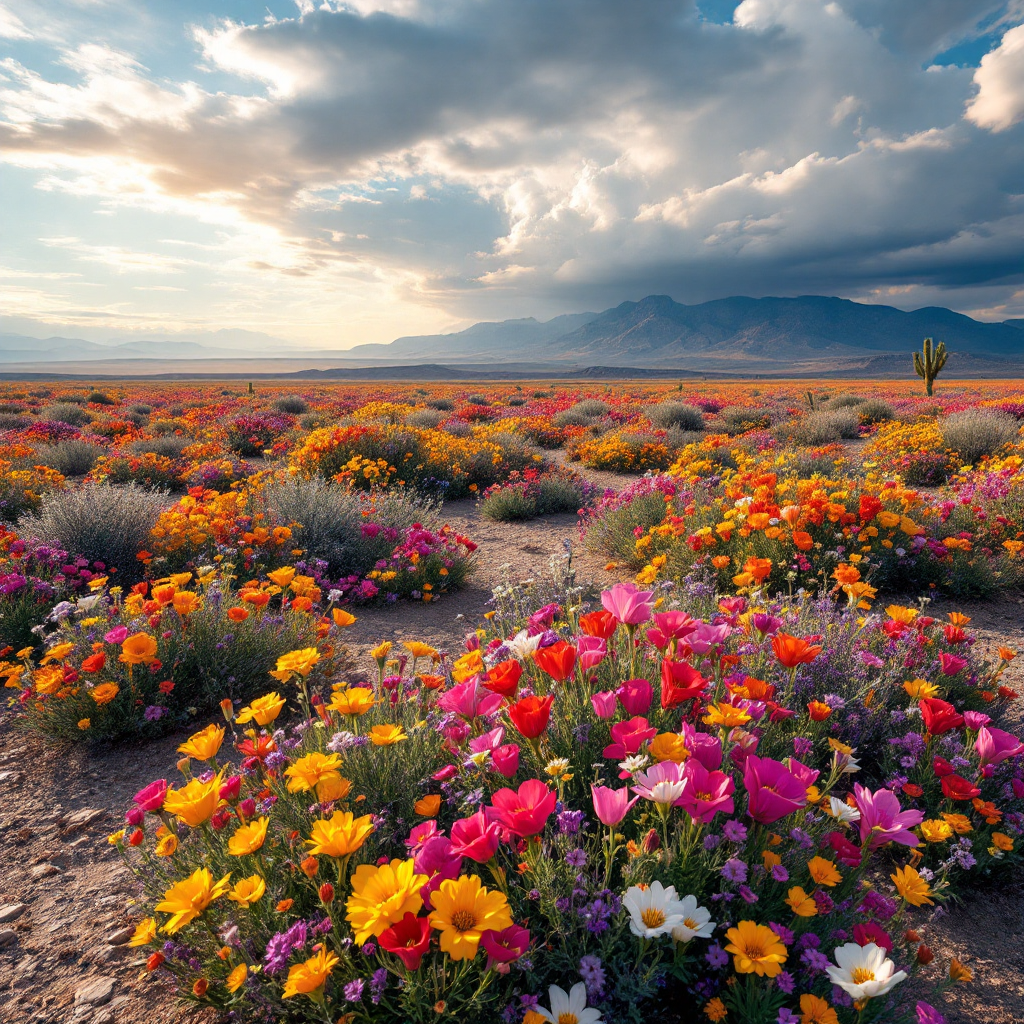
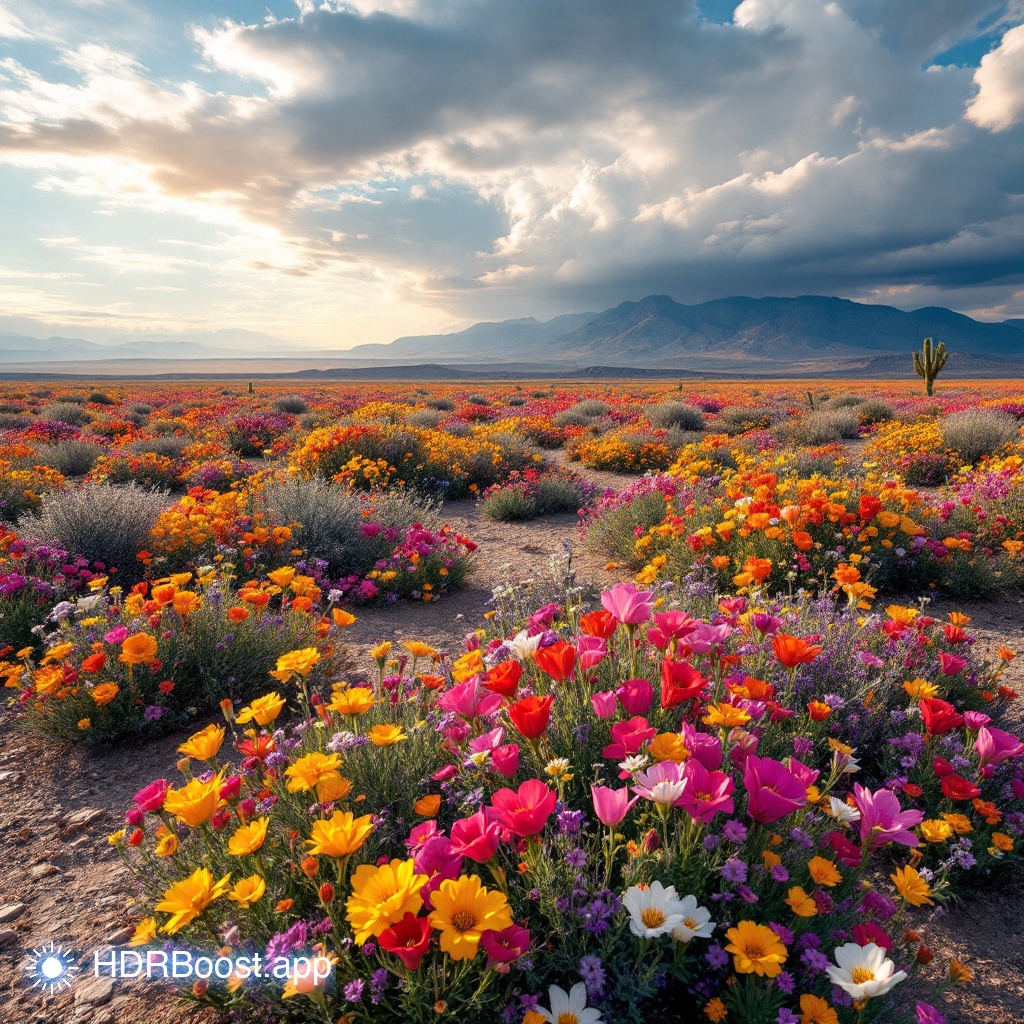
Drag to compare: HDR (left) vs SDR (right). Full effect visible on HDR displays.
What Are Gain Maps?
The magic behind Ultra HDR is the gain map — a secondary image embedded inside the JPEG that tells HDR screens how much brighter each pixel should be. It's like a brightness instruction manual hidden inside a normal photo.
On an SDR screen, the image looks normal. On an HDR screen, the gain map activates and certain areas bloom with extra luminance. It's backwards-compatible by design.
How it works:
- Base image — A normal SDR JPEG that displays on any device
- Gain map — Hidden metadata describing per-pixel brightness boost
- HDR display — Reads the gain map and cranks up brightness where specified
Who Supports Ultra HDR?
The ecosystem is growing fast:
- Apple — iPhones (12+), Macs with XDR displays, iOS Photos, Safari
- Google — Pixel phones, Chrome browser, Android 14+
- Adobe — Lightroom, Camera RAW
Why HDR + AI Art?
AI-generated images are perfect for HDR enhancement. AI models like Midjourney, DALL-E, and Flux produce vibrant, high-contrast imagery — exactly the kind of content where HDR shines brightest.
Neon cyberpunk cities, glowing magical forests, dramatic sunsets — these are all scenarios where the extra brightness range of HDR transforms a good image into a jaw-dropper.
Further Reading
- How to Create HDR AI Art — Step-by-step guide
- Best Prompts for HDR — Get the most out of HDR
- HDR on iPhone & Android — Viewing guide